GitHub Unlisted
Description
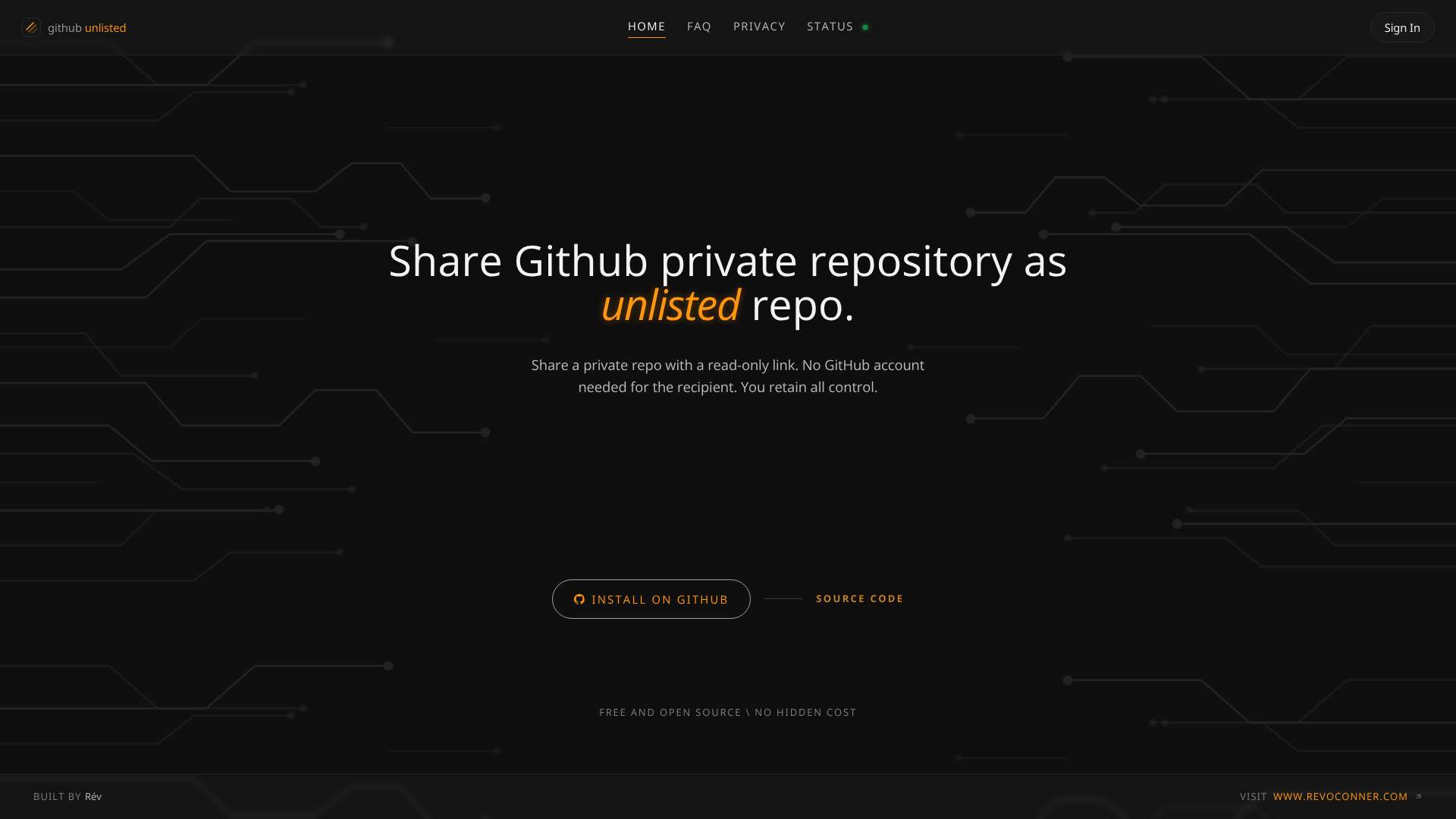
Share a private GitHub repository as a read-only link, like an unlisted YouTube video, but for code. No collaborator invites, and the person you send it to doesn't need a GitHub account. Completely free, live at github-unlisted.com.
What it's for
Sometimes you need to show someone a private repo (a client, a recruiter, a friend reviewing your work) without granting collaborator access or making them sign up. Unlisted Repo gives you a private link to a clean, read-only file browser for that repository. It's the service behind the "View" links on several of the private tools on this page.
How it works
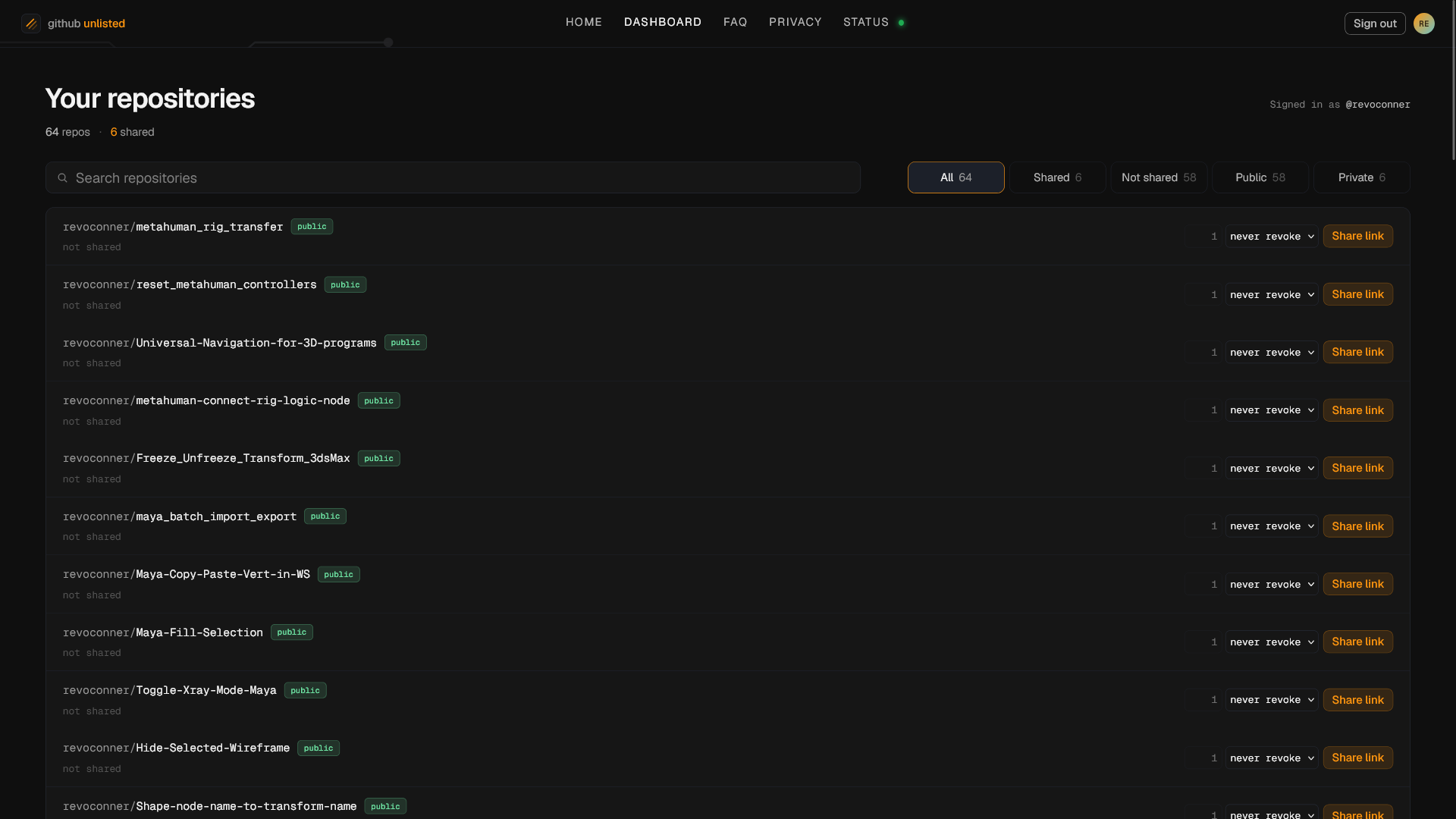
Install the app on GitHub, choose which repositories it may read, and create a link from the dashboard. Anyone with the link can browse the code in their browser: file tree, find-a-file search across the repo, syntax highlighting, and rendered Markdown with the README front and centre. Revoke a link in one click (or pull the repo's access in GitHub settings) and it stops working immediately; links can also auto-expire on a timer you set.
Privacy
Code is read on demand through GitHub's official app permissions. Share links carry no passwords or tokens (only an opaque identifier tied to one repository), and nothing about the repo is stored server-side beyond the link mapping. The full statement is on the privacy page.